
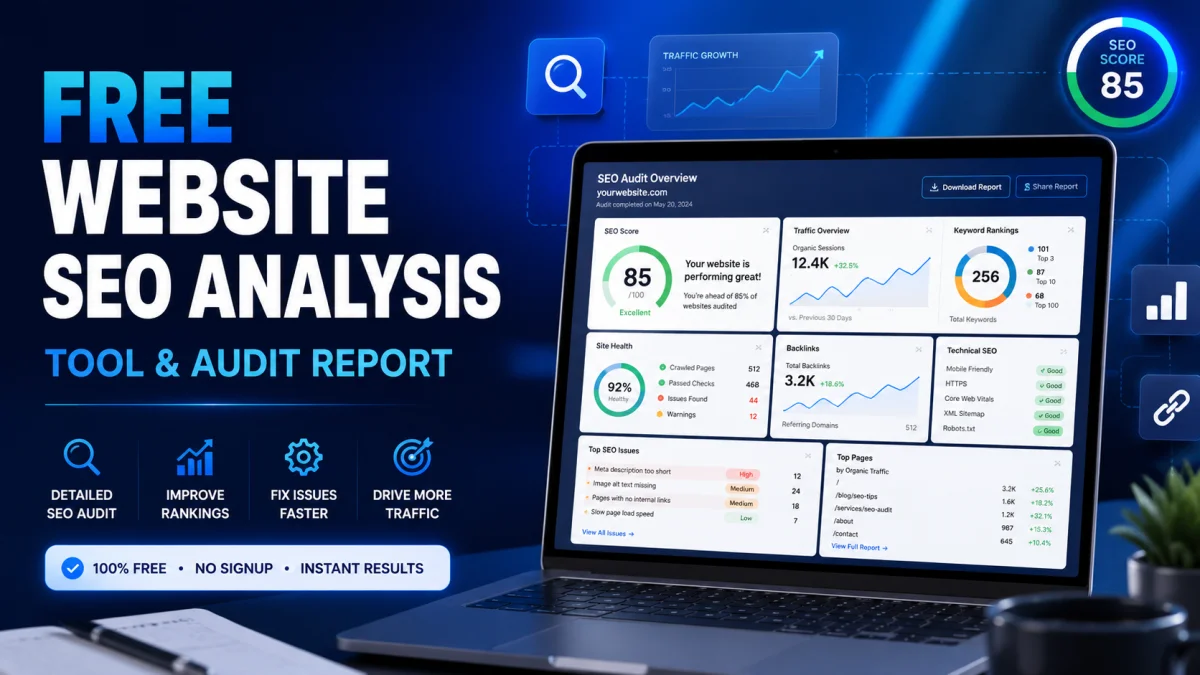
Free Website SEO Analysis Tool & Audit Report
Table of Contents
If your website is not ranking well on Google, chances are there are hidden SEO issues affecting your visibility. Many website owners struggle to identify technical problems, weak content optimization, slow page speed, or missing metadata without using expensive SEO software. Fortunately, Toolszu offers a simple and free solution to help you analyze your website performance quickly.
With the free SEO report checker by Toolszu, you can generate a detailed SEO analysis report in seconds. Whether you run a blog, business website, online store, or portfolio, this tool helps you discover optimization opportunities that can improve your rankings and organic traffic.
This guide explains how the tool works, what insights you can expect, and how to use the report to improve your website SEO effectively.
What Is the Toolszu SEO Report Checker?
The SEO report checker by Toolszu is a free online tool designed to analyze websites and provide actionable SEO insights. It helps website owners understand how search engines view their site and highlights areas that need improvement.
Instead of manually checking dozens of SEO factors, the tool automatically scans your website and generates a complete report covering:
- Meta tags
- Page titles and descriptions
- Content quality
- Mobile optimization
- Website speed
- Backlink overview
- Technical SEO issues
- Security and SSL status
The platform is beginner-friendly while still offering valuable insights for experienced marketers and SEO professionals.
Why Use Toolszu for SEO Analysis?
Free and Easy to Use
Many SEO tools require monthly subscriptions, which can be expensive for beginners or small businesses. Toolszu provides a free alternative that delivers useful SEO insights without complicated setup.
You simply enter your website URL and generate a report instantly.
Comprehensive Website Analysis
The tool checks multiple SEO factors together instead of focusing on just one area. This gives you a complete overview of your website performance.
You can combine the SEO report with a helpful keyword density checker or a meta tag analyzer available on Toolszu to further optimize your pages naturally.
Beginner-Friendly Interface
Not everyone is an SEO expert. The clean interface and simplified reporting make it easier to understand website issues and improvement opportunities.
Actionable Recommendations
The reports do not only identify problems. They also guide you toward practical fixes that can improve search visibility and user experience.
How to Generate a Free SEO Report Using Toolszu
Step 1: Open the SEO Report Tool
Visit the Toolszu website and open the SEO report checker tool.
Step 2: Enter Your Website URL
Paste the full URL of the website page you want to analyze.
Example:
- Homepage
- Blog post
- Landing page
- Product page
Step 3: Start the Analysis
Click the “Check SEO” button and allow the system to scan your website.
The process usually takes only a few seconds.
Step 4: Review Your SEO Report
The generated report will contain detailed sections covering different SEO elements.
What Does the SEO Report Include?
Meta Information Analysis
Meta titles and descriptions help search engines understand your page content.
The tool checks whether:
- Titles are properly optimized
- Meta descriptions are missing or too long
- Keywords appear naturally
- Important pages contain metadata
You can also use a title generator tool from Toolszu to improve weak page titles.
Content Quality Review
Content quality remains one of the biggest ranking factors in SEO.
The report evaluates:
- Keyword usage
- Readability
- Content relevance
- Heading structure
- Thin or duplicate content
For better optimization, many users also use a plagiarism checker and grammar checker to improve content quality before publishing.
Mobile Usability Check
Google prioritizes mobile-friendly websites. If your site performs poorly on smartphones, rankings can drop significantly.
The report identifies issues such as:
- Poor responsive design
- Small text sizes
- Mobile layout problems
- Slow mobile loading speed
You can also verify mobile readiness using the official Google Mobile-Friendly Guidelines.
Technical SEO Analysis
Technical SEO affects crawling, indexing, and overall website performance.
The report checks:
- SSL security
- Broken links
- Website speed
- Image optimization
- Crawlability
- URL structure
Pairing the report with an image compression tool on Toolszu can help improve page speed significantly.
Backlink Overview
Backlinks remain an important ranking signal.
The tool provides insights into:
- Backlink quantity
- Link quality
- Potential authority signals
While the free report provides a basic overview, it is useful for spotting obvious issues and monitoring growth over time.
Best Practices After Getting Your SEO Report
Prioritize Critical Issues First
Start by fixing major technical problems such as:
- Missing SSL
- Slow page speed
- Broken links
- Missing titles and descriptions
These issues can impact rankings quickly.
Improve Content Quality
High-quality content consistently performs better in search results.
Focus on:
- Helpful information
- Proper headings
- Natural keyword usage
- Easy readability
Using a readability checker can help improve user experience.
Optimize Images and Speed
Large images often slow down websites.
Compress images before uploading using the Toolszu image optimizer to improve loading times and Core Web Vitals performance.
Monitor SEO Regularly
SEO changes over time due to algorithm updates and competition.
Running regular SEO reports helps you:
- Track progress
- Find new issues early
- Monitor optimization improvements
Consistency is essential for long-term SEO success.
Common SEO Mistakes the Tool Can Help Detect
Many websites unknowingly suffer from common optimization issues, including:
- Missing meta descriptions
- Duplicate titles
- Keyword stuffing
- Slow-loading pages
- Poor mobile usability
- Broken internal links
- Thin content pages
Identifying these problems early can prevent ranking losses.
FAQs
Is the Toolszu SEO report checker free?
Yes. The SEO report checker is completely free to use and does not require a paid subscription.
Can beginners use the SEO checker?
Yes. The interface is designed for both beginners and experienced users, with easy-to-understand recommendations.
How often should I run an SEO report?
Running a report once every few weeks is a good practice, especially after major website updates or content publishing.
Does the tool check mobile SEO?
Yes. The report includes mobile usability analysis to help improve smartphone performance.
Can SEO reports improve rankings instantly?
No SEO tool can guarantee instant rankings. However, fixing the issues identified in the report can improve website performance over time.
Does page speed affect SEO?
Yes. Faster websites generally provide better user experience and can improve search engine rankings. Google officially considers page experience as an important factor. You can learn more from Google Search Central.
Conclusion
Understanding your website’s SEO performance is essential if you want to grow organic traffic and improve visibility on search engines. The free SEO report checker by Toolszu provides a simple yet powerful way to analyze your website, discover optimization opportunities, and improve overall performance.
Whether you are a blogger, business owner, freelancer, or marketer, regularly checking your website SEO can help you stay competitive and maintain healthy rankings.
Start optimizing smarter with Toolszu and turn SEO insights into measurable growth.