
Best Link in Bio Tools for Creators in 2026
Table of Contents
If you're a creator, influencer, or online business owner, you’ve probably faced a common problem: social platforms allow only one link in your bio. Whether you want to share YouTube videos, products, blogs, or affiliate links, managing everything through a single link becomes difficult.
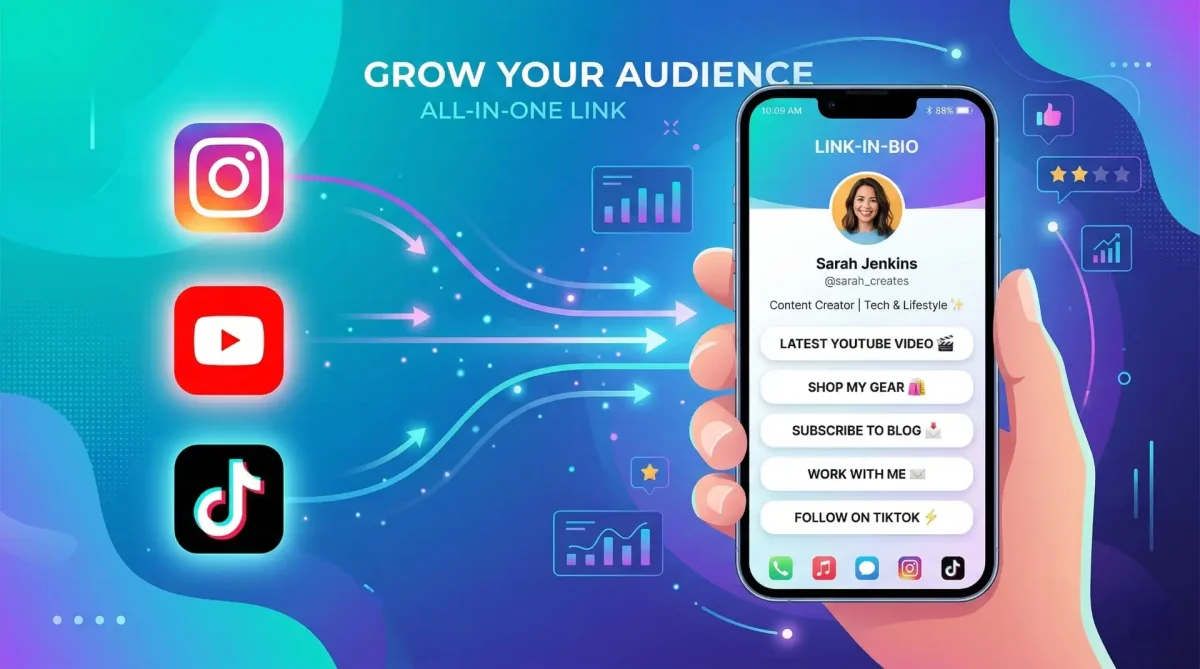
That’s where link in bio tools come in. These platforms create a simple landing page that holds all your important links in one place. Instead of updating your bio every time you post something new, you simply update your bio page.
In this guide, we’ll explore the best link in bio tools for creators in 2026, comparing their features, pricing, and flexibility.
What Is a Link in Bio Tool?
A link in bio tool is a small personal landing page that contains multiple links.
Creators typically use it to share:
-
YouTube videos
-
Affiliate links
-
Online stores
-
Blog posts
-
Social media profiles
-
Lead magnets
Instead of sending followers to different places, everything is organized on one mobile-friendly page.
According to Instagram’s official guidelines, profiles are limited to a single external link, which makes bio link tools extremely valuable for creators and brands.
1. Toolszu – Best Free Link in Bio Tool
One of the most powerful free options available today is Toolszu Creator, a modern bio link platform designed for creators who want flexibility without expensive subscriptions.
Unlike many competitors, Toolszu offers advanced features completely free.
Key features include:
-
Unlimited links
-
Custom themes and branding
-
Analytics and click tracking
-
SEO customization
-
Social media integrations
If you're searching for a free Linktree alternative, Toolszu provides more customization and analytics without hidden paywalls.
You can also explore the full comparison here: Toolszu vs Linktree vs HeyLink.me
These pages break down why many creators are switching from traditional tools.
2. Linktree – The Most Popular Platform
Linktree is one of the earliest platforms that popularized the link in bio concept.
Millions of creators use Linktree because of its simplicity and brand recognition.
Features include:
-
Basic link pages
-
Analytics (paid plans)
-
Themes and templates
-
Integrations with social platforms
However, many features like advanced customization and analytics are locked behind paid tiers, which is why users often look for alternatives.
3. HeyLink.me – Social Commerce Focus
HeyLink.me is designed for creators who want to combine bio links with monetization.
The platform allows users to sell products, collect donations, and integrate payment tools.
Features include:
-
Payment integrations
-
Storefront links
-
Social content embedding
-
Creator monetization tools
However, the free plan has limited customization and some features require a Pro upgrade.
If you're evaluating options, this comparison explains the differences in detail: best HeyLink alternative
4. Beacons – Built for Creator Monetization
Beacons is another fast-growing bio link platform aimed at YouTubers, TikTok creators, and streamers.
It offers several monetization tools such as:
-
Digital product sales
-
Email capture forms
-
Audience analytics
-
Creator storefronts
Beacons works well for creators focused on selling products or services.
However, the interface can feel complex for users who only need a simple link hub.
How to Choose the Best Link in Bio Tool
When choosing a platform, focus on features that matter most for your workflow.
Customization
Your bio page should match your personal brand. Look for tools that allow:
-
custom colors
-
background images
-
theme customization
Analytics
Tracking clicks and visitors helps you understand what content performs best.
Good tools provide:
-
click tracking
-
location insights
-
traffic sources
Pricing
Some platforms charge monthly fees for features that should be standard.
If you're starting out, a free platform with strong features is usually the best choice.
Why Many Creators Are Switching Tools
Creators today expect more than just a simple link list.
Modern bio link tools now include:
-
analytics dashboards
-
content embedding
-
social integrations
-
SEO optimization
Platforms like Toolszu focus on giving creators full control without expensive upgrades, which is why alternatives are becoming increasingly popular.
FAQ
What is the best link in bio tool?
The best tool depends on your needs. Toolszu is a strong free option, while Linktree and Beacons are popular among creators.
Are link in bio tools free?
Many platforms offer free plans, but advanced features often require paid upgrades. Some tools like Toolszu offer most features completely free.
Can I add multiple links to Instagram bio?
Instagram only allows one link in the bio, but link in bio tools let you create a page with multiple links behind that single URL.
Do link in bio tools help with analytics?
Yes. Most platforms provide analytics showing clicks, visitor locations, and traffic sources.
Are link in bio pages SEO friendly?
Some platforms support SEO customization, allowing your bio page to appear in search results.
Conclusion
Managing multiple links across social platforms can quickly become messy. A good link in bio tool solves this problem by organizing everything into one clean, mobile-friendly page.
Whether you choose Linktree, Beacons, or another platform, the key is finding a solution that gives you control, customization, and useful analytics.
If you're looking for a free platform built specifically for creators, you can start building your page using Toolszu and create a professional bio link in just a few minutes.