
PDF Watermark Add Free Online – Protect and Brand Your PDF Files
Table of Contents
- What Is a PDF Watermark?
- Why Add a Watermark to PDF Files?
- How to Add a Watermark to a PDF Online
- Features of a Good PDF Watermark Tool
- Best Practices for Creating Effective PDF Watermarks
- When Should You Use PDF Watermarks?
- Related PDF Tools That Can Improve Your Workflow
- Security Considerations When Using Online PDF Tools
- Frequently Asked Questions
- Conclusion
PDF files are widely used for sharing documents, reports, invoices, contracts, and educational materials. However, once a PDF is shared, it can easily be copied, redistributed, or used without permission. This is where watermarking becomes essential.
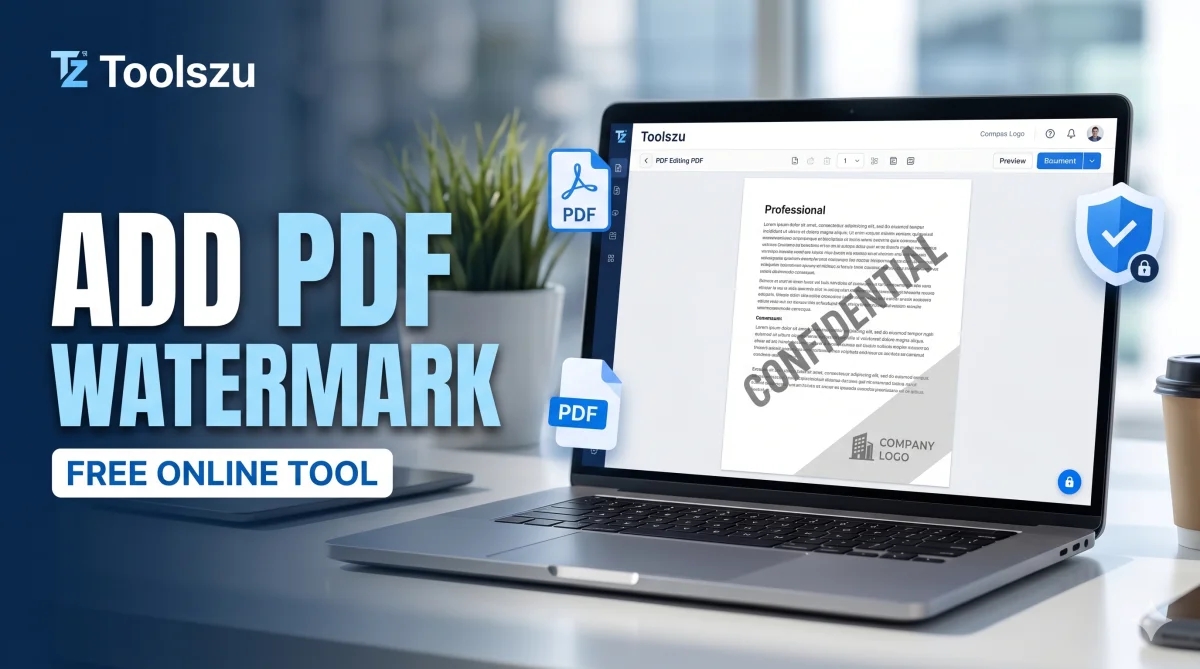
A PDF watermark helps protect your content by adding visible text or images such as "Confidential," "Draft," company logos, or copyright notices directly onto the document. With a free PDF watermark add tool, you can secure your files in just a few clicks without installing any software.
In this guide, you'll learn why PDF watermarks matter, how to add them online for free, and best practices for creating professional-looking watermarked documents.
What Is a PDF Watermark?
A PDF watermark is a text or image overlay placed behind or above the content of a PDF document. It remains visible across pages and helps identify ownership, confidentiality, or document status.
Common watermark examples include:
-
Confidential
-
Draft
-
Sample
-
Copyright Notice
-
Company Logo
-
Internal Use Only
Watermarks are commonly used by businesses, educators, freelancers, and content creators to protect sensitive information.
Why Add a Watermark to PDF Files?
Adding a watermark offers several important benefits.
Protect Intellectual Property
If you share reports, eBooks, presentations, or research documents, a watermark helps establish ownership and discourages unauthorized use.
Improve Brand Recognition
Businesses can place their logo or company name on every page, ensuring consistent branding whenever documents are shared.
Prevent Misuse
Labels such as "Draft" or "Confidential" clearly indicate the document's status and reduce the risk of accidental misuse.
Professional Appearance
A properly designed watermark adds credibility and professionalism to business documents.
How to Add a Watermark to a PDF Online
Using an online watermark tool is one of the fastest ways to secure your PDF files.
Follow these simple steps:
-
Open the PDF watermark tool.
-
Upload your PDF file.
-
Enter watermark text or upload a logo.
-
Customize position, size, opacity, and rotation.
-
Apply the watermark.
-
Download the updated PDF instantly.
Since everything runs in your browser, there's no need to install additional software.
Features of a Good PDF Watermark Tool
Not all watermark tools provide the same level of flexibility. Look for the following features:
Custom Text Watermarks
Add custom text such as copyright notices, brand names, or confidentiality labels.
Image and Logo Watermarks
Upload company logos or custom graphics to strengthen branding.
Adjustable Transparency
Control watermark visibility without affecting document readability.
Multi-Page Support
Apply watermarks automatically to all pages instead of editing each page individually.
Fast Processing
Online tools should process files quickly and generate downloadable PDFs within seconds.
Best Practices for Creating Effective PDF Watermarks
A watermark should protect your content without making the document difficult to read.
Keep It Visible but Subtle
Use moderate opacity so readers can still view the document comfortably.
Use Consistent Branding
If you're representing a business, use the same logo, font style, and branding elements across documents.
Position Strategically
Diagonal center placement often provides strong visibility while maintaining readability.
Avoid Oversized Watermarks
Large watermarks can distract readers and reduce the professional appearance of your PDF.
When Should You Use PDF Watermarks?
Watermarks are useful in many situations:
-
Sharing confidential company reports
-
Sending draft contracts
-
Distributing educational materials
-
Protecting digital products
-
Branding invoices and proposals
-
Publishing sample documents
-
Sharing copyrighted content
Whether you're a student, business owner, freelancer, or marketer, watermarking adds an extra layer of protection.
Related PDF Tools That Can Improve Your Workflow
Watermarking is often just one part of managing PDF files. You may also need tools for editing, converting, or optimizing documents.
For example, after watermarking a large document, you can use a PDF conversion guide to create professional PDFs from spreadsheets.
If your file becomes too large after adding images or logos, a PDF compression tool can help reduce file size while maintaining quality.
You can also use a PDF merge tool to combine multiple documents before applying a watermark.
For document authenticity, many users pair watermarking with a PDF signature tool to electronically sign files before sharing.
Security Considerations When Using Online PDF Tools
When uploading documents online, always choose tools that prioritize privacy and secure file processing.
Review recommendations from the Cybersecurity and Infrastructure Security Agency (CISA) regarding document security and safe file handling practices.
Additionally, PDF standards maintained by ISO help ensure compatibility and reliability across different PDF readers and platforms.
Frequently Asked Questions
Is adding a watermark to a PDF free?
Yes. Many online tools allow you to add text or image watermarks to PDF files completely free without requiring software installation.
Can I add a logo as a watermark?
Yes. Most modern PDF watermark tools support image uploads, allowing you to use logos, signatures, or custom graphics.
Will a watermark affect PDF quality?
No. A properly applied watermark should not reduce document quality or readability.
Can I watermark all pages at once?
Yes. Most watermark tools automatically apply the watermark across every page in the document.
Are online PDF watermark tools safe?
Generally yes, provided you use trusted services and avoid uploading highly sensitive documents to unknown platforms.
Can I remove a watermark later?
It depends on how the watermark was added. Editable PDFs may allow watermark removal, while flattened watermarks can be more difficult to remove.
Conclusion
Adding a watermark is one of the easiest ways to protect, brand, and manage PDF documents. Whether you want to mark files as confidential, showcase your company logo, or establish content ownership, a watermark provides a simple yet effective solution.
If you regularly work with PDFs, using a free online PDF watermark tool can save time while keeping your documents professional and secure. Try the PDF Watermark Add tool today and make your PDF files more secure, recognizable, and ready for sharing.