
Toolszu vs PDF24: Full Comparison in 2026
Table of Contents
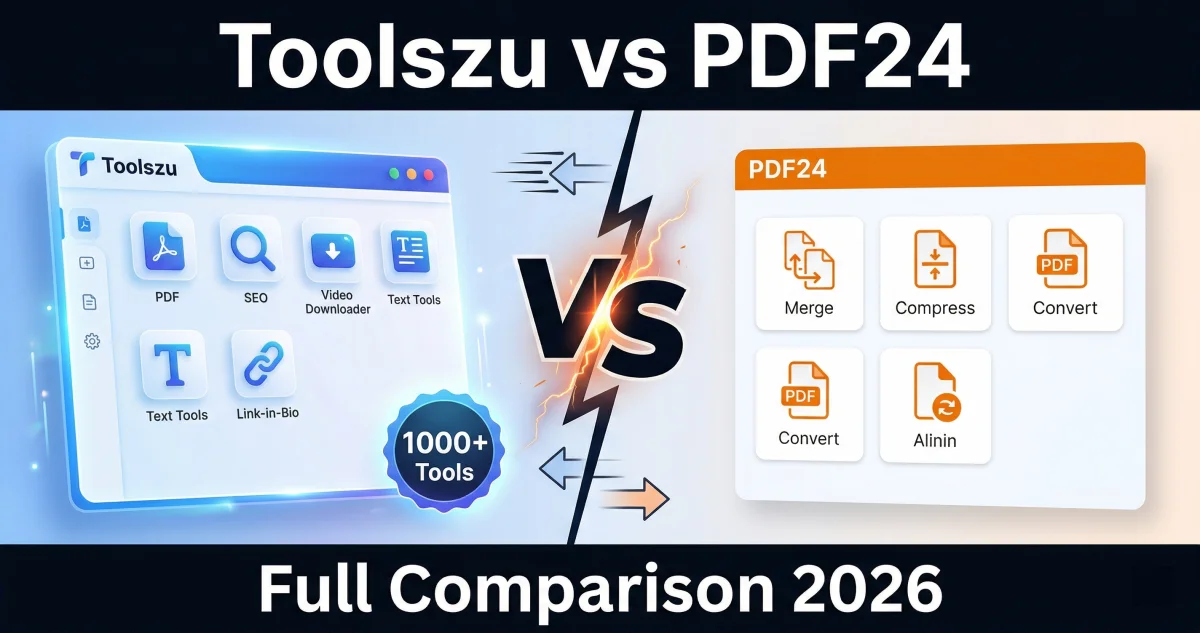
Looking for the best free PDF tool in 2026? Toolszu and PDF24 are both popular options — but they serve very different audiences. In this comparison, we break down features, limits, and overall value so you can choose the right tool for your needs.
Unlike PDF24, Toolszu doesn't stop at PDF tools. With 1,000+ tools in one place — video downloaders, SEO tools, fancy text generators, link-in-bio creators, and more — Toolszu is the all-in-one free toolkit that PDF24 simply can't match.
Quick Verdict
| Feature | Toolszu | PDF24 | Winner |
|---|---|---|---|
| Account Required | No | No | Tie |
| Daily Usage Limits | None | None (desktop) / Limited (web) | ✅ Toolszu |
| 100% Free | Yes | Yes (with ads) | ✅ Toolszu |
| Number of Tools | 1,000+ | ~40 PDF tools | ✅ Toolszu |
| Video Downloaders | Yes | No | ✅ Toolszu |
| SEO & Website Tools | Yes | No | ✅ Toolszu |
| Fancy Text / Font Tools | Yes | No | ✅ Toolszu |
| Link-in-Bio Tool | Yes | No | ✅ Toolszu |
| PDF Merge | Yes | Yes | Tie |
| PDF Compress | Yes | Yes | Tie |
| PDF to Word / Excel | Yes | Yes | Tie |
| OCR (Scan to Text) | Yes | Yes | Tie |
| Desktop App Available | No (web only) | Yes | ✅ PDF24 |
| Mobile Friendly | Yes | Yes | Tie |
| Ads on Site | Minimal | Heavy ads | ✅ Toolszu |
Toolszu wins on breadth: 1,000+ tools vs PDF24's ~40 PDF-only tools. Both are free, but Toolszu has no ads cluttering the experience and no account needed — ever.
What Is Toolszu?
Toolszu.com is a free all-in-one online toolkit with over 1,000 tools across multiple categories — PDF tools, video downloaders, SEO & website tools, fancy text generators, hashtag generators, link-in-bio builders, and more. No account is required, and there are no daily usage limits on any tool.
What Is PDF24?
PDF24 is a well-established free PDF tool available both as a web app and a desktop application for Windows. It offers around 40 PDF-specific tools including merge, compress, convert, edit, and OCR. The desktop version is ad-free; the web version is supported by heavy advertising.
Feature-by-Feature Breakdown
1. Account & Sign-Up
Neither Toolszu nor PDF24 require an account to use their core tools. This is a draw — both let you get started without any registration.
2. Daily Usage Limits
Toolszu has absolutely no daily usage limits. PDF24 is also generous, but the web version can be slower and more restricted compared to the desktop app. Toolszu wins on consistency — the same unlimited access everywhere, no desktop download needed.
3. Number of Tools
This is where Toolszu pulls far ahead. PDF24 offers around 40 PDF-focused tools. Toolszu offers 1,000+ tools spanning PDF, video downloading, SEO, text formatting, social media, banking tools (IFSC lookup), and more. No competitor comes close to this breadth.
4. PDF Tools Quality
For core PDF tasks — merge, split, compress, convert to Word/Excel/JPG, OCR — both tools perform well. PDF24 has a slight edge for desktop power users who prefer an offline app. For web-based PDF tasks, Toolszu is equally capable.
5. Video Downloaders
Toolszu includes built-in support for downloading videos from 50+ platforms including YouTube, TikTok, Instagram, Facebook, and more. PDF24 has no video downloader functionality whatsoever.
6. SEO & Website Tools
Toolszu includes a DA checker, plagiarism checker, keyword tools, and more. PDF24 has no SEO tools.
7. Ads Experience
The PDF24 web app is known for heavy advertising. Toolszu keeps ads minimal, making it a cleaner, faster experience — especially on mobile.
8. Mobile Experience
Both work on mobile browsers. Toolszu is optimized for mobile with over 53% of its user base on phones. PDF24 recommends its desktop app for the best experience, which isn't available on phones.
When to Use Toolszu
- You want 1,000+ tools in one place — not just PDFs
- You need video downloaders, SEO tools, or text formatting tools
- You don't want to create an account — ever
- You're on mobile and want a clean, fast experience
- You hate ads interrupting your workflow
- You need unlimited daily usage with no task caps
When to Use PDF24
- You specifically want a desktop Windows app for offline PDF work
- You prefer a dedicated PDF-only interface with no other tools
- You're a power user who processes large batches of PDFs locally
Final Verdict: Toolszu Wins
For most users — especially those on mobile or looking for a one-stop free tool platform — Toolszu is the clear winner. It offers everything PDF24 does for web-based PDF tasks, plus 1,000+ additional tools with no ads, no account, and no limits.
PDF24 remains a strong choice if you specifically want a Windows desktop app for offline PDF processing. But for anyone using a browser — on any device — Toolszu is the better, more versatile option.
Try Toolszu free at toolszu.com — no account needed, no daily limits, 1,000+ tools ready to use.
Frequently Asked Questions
Is Toolszu completely free? Yes. Toolszu is 100% free with no paid plans, no premium tiers, and no paywalled features. Every single tool — from PDF merge to video downloaders — is available to all users for free.
Does Toolszu require an account? No account is required on Toolszu. Just open the website and start using any tool instantly. No sign-up, no email, no login needed.
Does Toolszu have daily usage limits? No. Toolszu has zero daily usage limits. You can use any tool as many times as you need without any restrictions or caps.
Is PDF24 really free? PDF24 is free to use, but the web version is ad-heavy. The desktop app offers a cleaner experience. Some advanced features may be limited on the web platform.
Which is better for mobile users — Toolszu or PDF24? Both tools work on mobile browsers. Toolszu is optimized for mobile with a clean, ad-light interface. Over 53% of Toolszu users are on mobile devices, making it an excellent choice for on-the-go PDF tasks.