
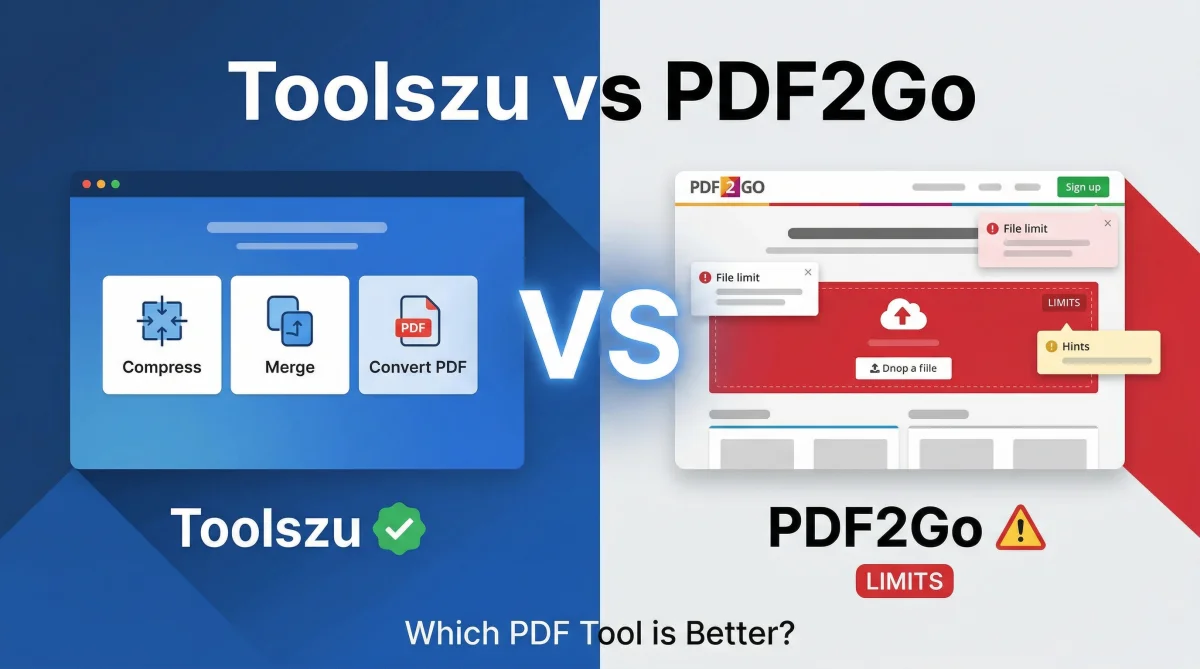
Toolszu vs PDF2Go (2026): Best Free PDF Tool?
Table of Contents
Toolszu vs PDF2Go (2026): Which Free PDF Tool Is Better?
Choosing the best free PDF tool in 2026 is no longer just about converting files. Today, users care about speed, privacy, ease of use, and unlimited access without login restrictions.
Two popular tools—Toolszu and PDF2Go—offer powerful PDF features, but they serve very different types of users.
In this complete comparison, we’ll break down:
-
Features and usability
-
Free plan limitations
-
Speed and performance
-
Privacy and accessibility
👉 By the end, you’ll know exactly which tool is best for your needs.
What Is Toolszu?
Toolszu is an all-in-one online toolkit that offers hundreds of utilities, including a fast and privacy-focused PDF tool suite.
Key Features:
-
PDF to Word converter
-
PDF compression tool
-
Merge PDF tool
-
Encrypt and protect PDF files
Unlike many platforms, Toolszu requires no login, allowing you to instantly access tools without restrictions.
What Is PDF2Go?
PDF2Go is a well-known online PDF editor that focuses on document editing and conversion.
Key Features:
-
Edit PDF text and structure
-
Convert files between formats
-
OCR (text recognition for scanned files)
-
Compress and optimize PDFs
While it’s powerful, the free version comes with file limits and feature restrictions.
Toolszu vs PDF2Go – Full Comparison
1. Ease of Use
-
Toolszu: Simple, fast, no signup required
-
PDF2Go: More complex due to editing features
Winner: Toolszu
2. Free Plan Limitations
-
Toolszu: No login, minimal restrictions
-
PDF2Go: File size limits and upgrade prompts
Winner: Toolszu
3. PDF Editing Features
-
Toolszu: Focused on basic utilities (convert, merge, compress)
-
PDF2Go: Advanced editing and OCR capabilities
Winner: PDF2Go
4. Speed & Performance
-
Toolszu: Fast processing and lightweight tools
-
PDF2Go: Slower with heavy editing or OCR
Winner: Toolszu
5. Tool Variety
-
Toolszu: PDF + SEO + AI + image tools
-
PDF2Go: Only PDF-focused tools
Winner: Toolszu
6. Privacy & Accessibility
-
Toolszu: No login required, better privacy
-
PDF2Go: Account needed for some features
Winner: Toolszu
When Should You Choose Toolszu?
Toolszu is the better choice if you:
-
Need fast and simple PDF tools
-
Want no login and unlimited access
-
Prefer an all-in-one platform
-
Work with SEO, images, or multiple tools
When Should You Choose PDF2Go?
PDF2Go is a good option if you:
-
Need advanced PDF editing features
-
Work with scanned documents (OCR)
-
Don’t mind free plan limitations
Pros and Cons
Toolszu
Pros:
-
No login required
-
Fast and easy to use
-
Wide range of tools
-
Minimal restrictions
Cons:
-
Limited advanced editing features
PDF2Go
Pros:
-
Strong editing capabilities
-
OCR support
-
Established platform
Cons:
-
Free plan limitations
-
Slower performance in some cases
FAQs
Is Toolszu completely free?
Yes, Toolszu offers most tools without login or strict usage limits, making it highly accessible for free users.
Is PDF2Go safe for uploading documents?
Yes, but it’s always recommended to avoid uploading sensitive files to any online platform.
Which tool is faster?
Toolszu generally provides faster results, especially for compression and conversion tasks.
Does PDF2Go require login?
Some features in PDF2Go require account access, especially in the free version.
Final Verdict
Both Toolszu and PDF2Go are powerful tools, but they serve different purposes.
If your priority is speed, simplicity, and unlimited usage, Toolszu is clearly the better choice in 2026.
However, if you need advanced editing and OCR features, PDF2Go is still a strong option.