
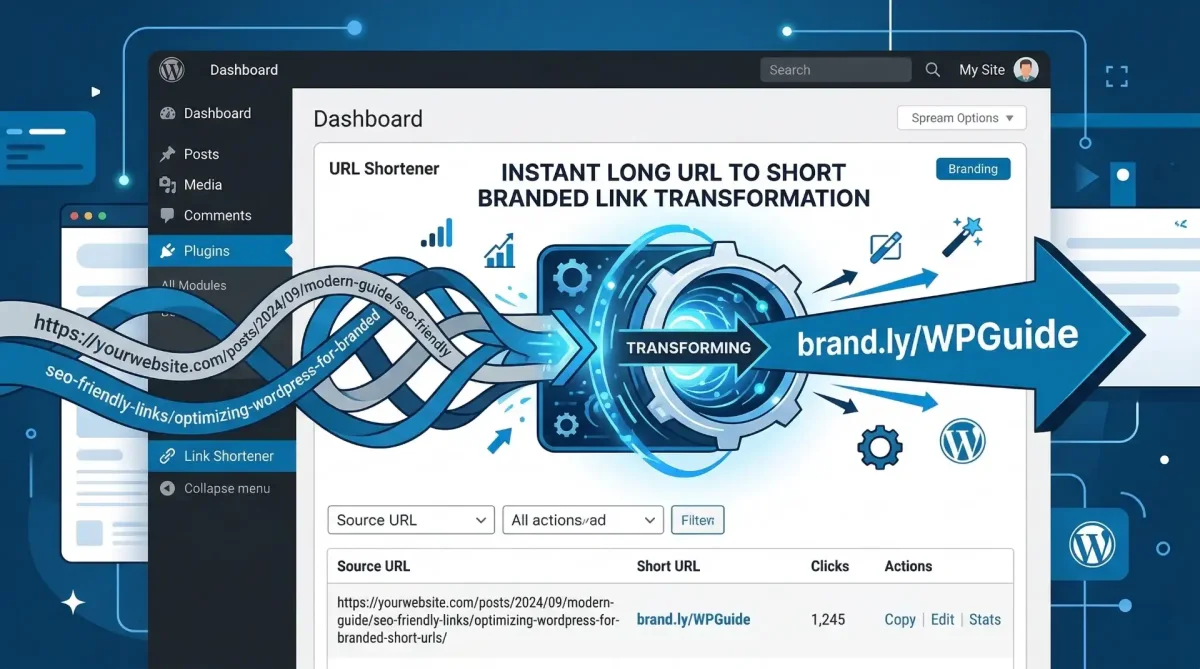
Automatically Generate Short Links in WordPress with the Toolszu Link Shortener Plugin
Table of Contents
Managing links is a common challenge for bloggers, marketers, and website owners. Every time you publish a new post, you often need to copy the URL and paste it into a separate link shortener tool before sharing it on social media or campaigns.
This process wastes time and interrupts your workflow.
The Toolszu Link Shortener Plugin solves this problem by automatically generating short links the moment your content is published. Instead of switching between tools, you can create clean, shareable URLs directly from your WordPress dashboard.
Let’s explore how it works and why it can simplify your content workflow.
Why Short Links Matter for WordPress Users
Long URLs are difficult to share, especially on social media, email newsletters, or messaging platforms. Short links provide several benefits:
-
Cleaner and more professional URLs
-
Easier sharing across social platforms
-
Improved tracking for marketing campaigns
-
Better user experience for audiences
Many website owners rely on external tools to shorten URLs, but this creates unnecessary steps. The Toolszu plugin eliminates that friction.
What Is the Toolszu Link Shortener Plugin?
The Toolszu Link Shortener is a WordPress plugin that connects your website directly with the Toolszu Creator platform.
Once installed and connected with your API key, the plugin can automatically generate short links for your posts and pages whenever they are published.
Instead of manually shortening URLs, the process becomes completely automated.
This means you can focus on creating content while your link management happens in the background.
If you don’t yet have an account, you can create one using the Create a free Toolszu Creator account.
Key Features of the Plugin
Automatic Short Link Generation
One of the most useful features is auto-shortening on publish.
When a post or page goes live, the plugin automatically generates a short link in the background. You don’t need to click anything or visit another website.
The short link is ready the moment your content is published.
Custom Domain Support
For branding and credibility, the plugin allows you to create short links using your own domain.
Instead of generic URLs, your links can look like:
yourbrand.link/post-name
Flexible Link Style Options
Different campaigns require different link styles.
The plugin lets you choose between:
Random short codes
Example:
biopage.link/aX7b9Q
SEO-friendly slugs
Example:
biopage.link/wordpress-guide
This flexibility helps you match links to your marketing strategy.
One-Click Copy from WordPress Dashboard
After a link is generated, you can copy it directly from the All Posts or All Pages screen.
There is no need to open additional tools. The plugin adds simple actions like:
-
Generate link
-
Copy link
-
Unlink
This keeps everything inside the WordPress workflow.
Generate Links for Older Posts
Many websites already have hundreds of published articles.
The plugin includes a retroactive generation feature so you can quickly create short links for older posts with one click.
This makes it easy to update previously published content.
Download the Toolszu Link Shortener Plugin
How the Plugin Works
Setting up the plugin takes only a few minutes.
Step 1: Install the Plugin
Upload the plugin ZIP file through:
WordPress Dashboard → Plugins → Add New → Upload Plugin
Activate it after installation.
Step 2: Connect Your Toolszu Account
Copy your API key from the Toolszu Creator dashboard and paste it into the plugin settings.
This allows WordPress to communicate with the Toolszu link generation API.
Step 3: Configure Your Preferences
Inside the settings panel you can choose:
-
Your custom domain
-
Preferred link style
-
Default link behavior
After saving the settings, the plugin is ready to generate links automatically.
When Should You Use Short Links?
Short links are especially useful for:
-
Social media sharing
-
Affiliate marketing
-
Email newsletters
-
Content marketing campaigns
-
Tracking engagement across platforms
Frequently Asked Questions
Do I need a Toolszu account to use the plugin?
Yes. The plugin requires an active Toolszu Creator account to generate short links. You can create one and obtain your API key from the Toolszu Creator dashboard.
Does the plugin shorten links automatically?
Yes. When a post transitions to Published, the plugin automatically generates a short link in the background.
Can I create short links for old posts?
Yes. You can generate links for previously published posts directly from the All Posts screen using the Generate button.
Where can I find my API key?
Your API key is available in the developer or account settings of the Toolszu Creator dashboard.
Can I remove a generated short link?
Yes. If a link is deleted in the Toolszu dashboard, you can use the Unlink button inside WordPress to reset the local record and generate a new link.
Conclusion
Managing links shouldn’t slow down your publishing workflow. The Toolszu Link Shortener Plugin removes the need to manually shorten URLs by automating the entire process inside WordPress.
From automatic link creation to branded domains and one-click copying, the plugin helps content creators and marketers manage links efficiently.
If you publish content regularly, integrating automated link shortening into your workflow can save time and keep your marketing links organized.